




November 12, 2026 | Mobility Digest
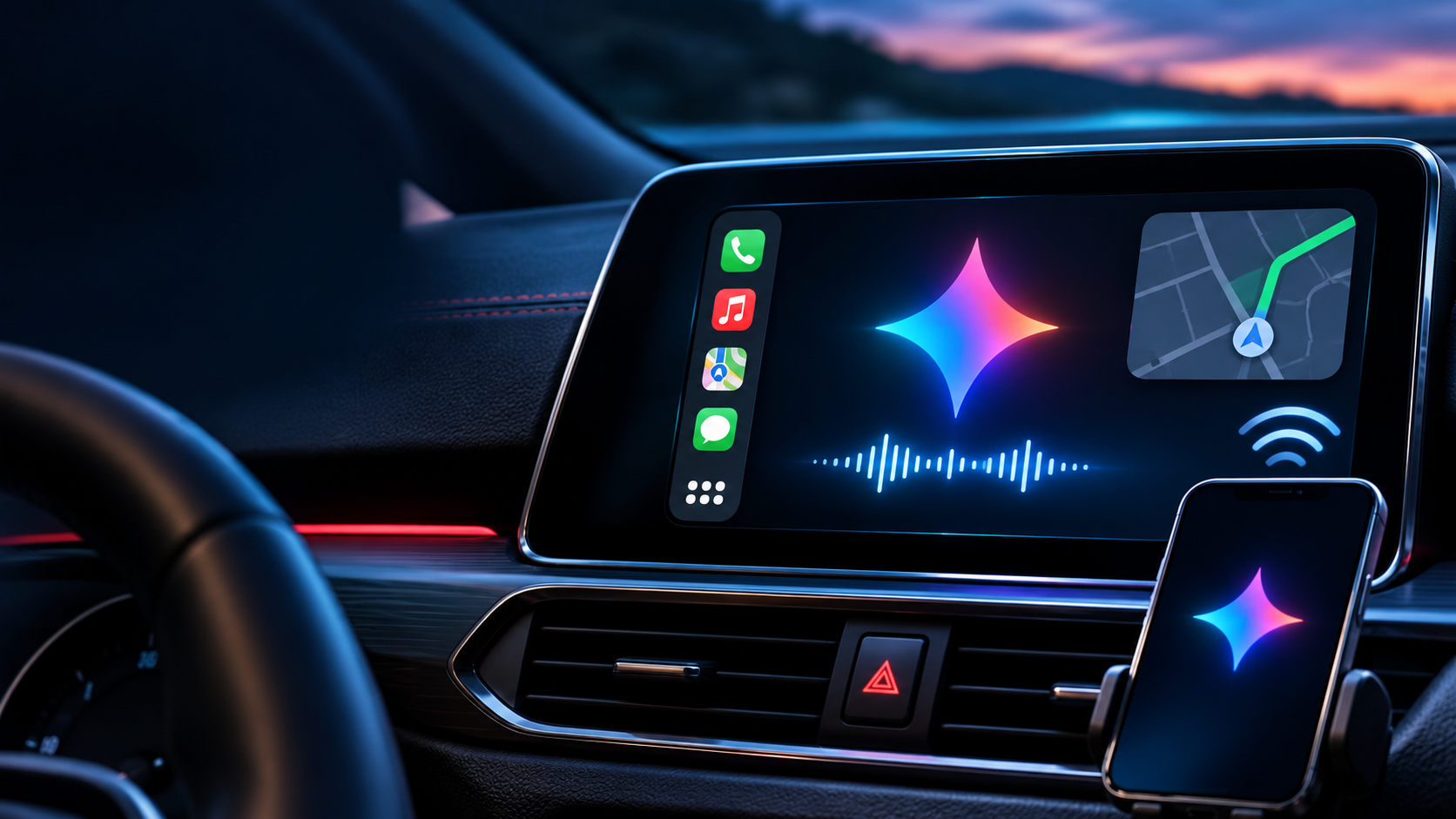
Google is bringing its Gemini AI assistant directly to Apple CarPlay, giving iPhone users another way to interact with artificial intelligence while driving.
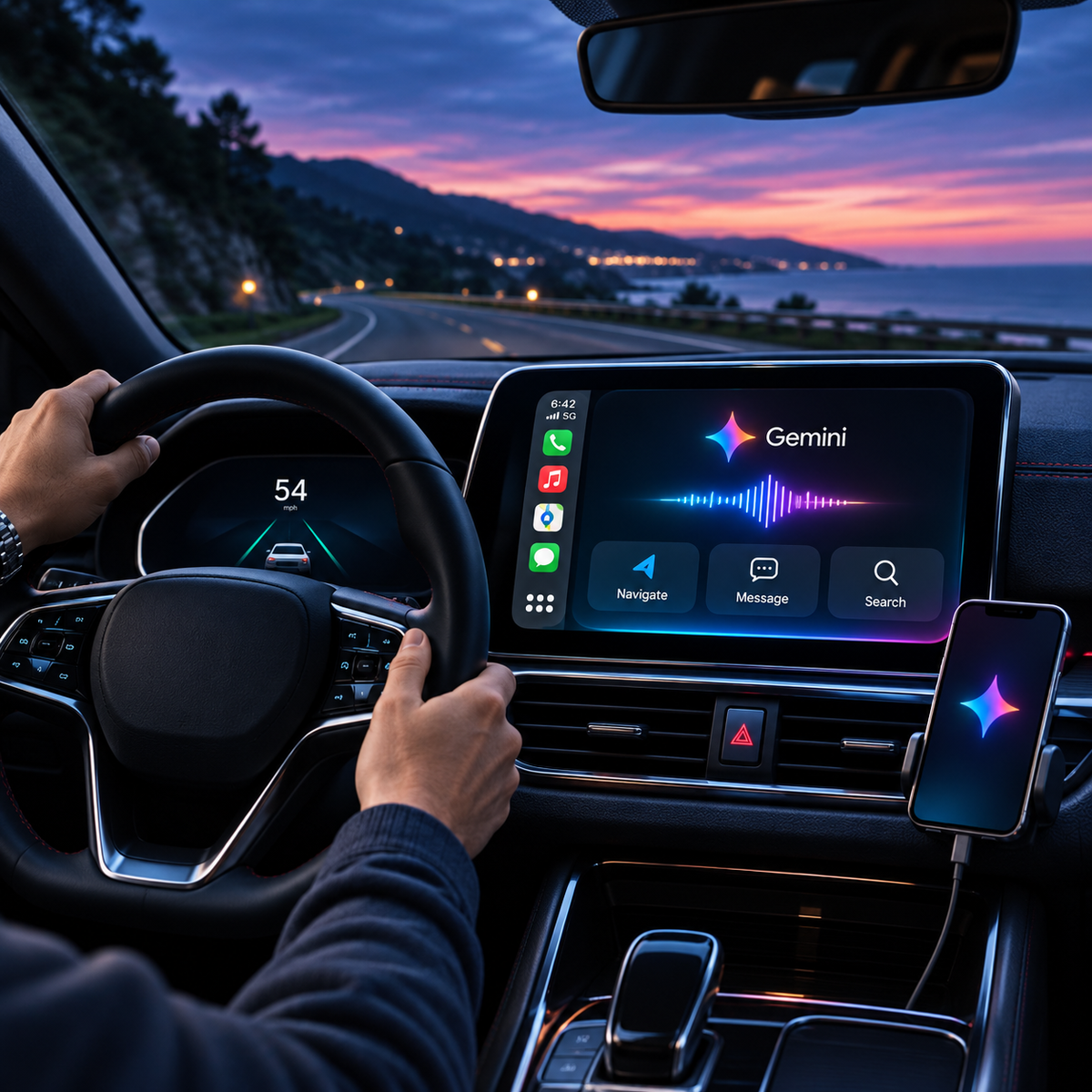
Announced November 11, the new experience puts Gemini Live on compatible CarPlay displays, allowing drivers to ask questions, catch up on email, prepare for meetings, and carry on natural conversations without handling their phones.
Unlike a traditional voice assistant built around short commands, Gemini Live is designed for ongoing conversations. Users can ask follow-up questions, interrupt a response, or change the subject without restarting the conversation.
What Can Gemini Do in Apple CarPlay?
Google highlights several ways drivers can use the new feature.
Catch up on email. With the appropriate Google account connections and permissions, Gemini can summarize unread messages and lengthy email threads. Drivers can also talk through a response before sending it.
Check upcoming appointments. Gemini can help users review their calendars, prepare for meetings, and understand what their day looks like.
Find places and learn about destinations. Drivers can ask about restaurants, nearby attractions, or interesting landmarks.
Brainstorm and prepare. Gemini Live can help rehearse presentations, discuss ideas, and explain unfamiliar subjects during a commute.
The assistant also synchronizes conversations with the Gemini app on the iPhone. That means drivers can revisit their conversations once they’ve parked.
How to Get Gemini Working With Apple CarPlay
Google says setup requires only a few steps:
- Update the Google Gemini app on your iPhone to the latest available version.
- Enable microphone access for Gemini.
- Open Gemini on your iPhone and use Gemini Live at least once.
- Connect your iPhone to a vehicle that supports Apple CarPlay.
- Find and select the Gemini icon on the CarPlay display.
- Start a new conversation or resume an existing one.
The feature began rolling out globally on November 11, 2026, across supported Gemini Live languages. Availability may vary while the update reaches users.
Is Gemini Replacing Siri?
Not exactly.
Gemini joins the growing selection of conversational AI applications available through Apple CarPlay. It provides a separate experience focused on conversation, information, and productivity rather than replacing every function of the vehicle’s existing voice controls.
Google had already introduced Gemini-powered features within Google Maps on CarPlay. The new dedicated Gemini application expands access to the Gemini Live conversational experience.
What About ChatGPT?
Google isn’t alone in bringing conversational AI into vehicles.
OpenAI already supports ChatGPT in Apple CarPlay on compatible iPhones running iOS 26.4 or later. Drivers can start new voice conversations or resume existing chats directly from their car’s display.
Like Gemini, ChatGPT emphasizes hands-free interaction. However, ChatGPT’s CarPlay experience cannot directly control vehicle functions, navigation apps, or other installed applications.
For drivers interested in artificial intelligence, the increasing number of available assistants means more choices than ever.
The Bottom Line
Gemini’s arrival on CarPlay is another step toward making AI assistants a regular part of everyday driving.
For commuters who already depend on Google’s services, the ability to summarize email, discuss upcoming appointments, and continue conversations across devices could be especially useful.
The bigger question is whether drivers will find these assistants genuinely helpful over time—or simply another distraction on an increasingly crowded dashboard.
As always, drivers should configure these features before leaving and keep their attention on the road.
Sources: Google’s official announcement | MacRumors coverage | OpenAI’s ChatGPT CarPlay guide