





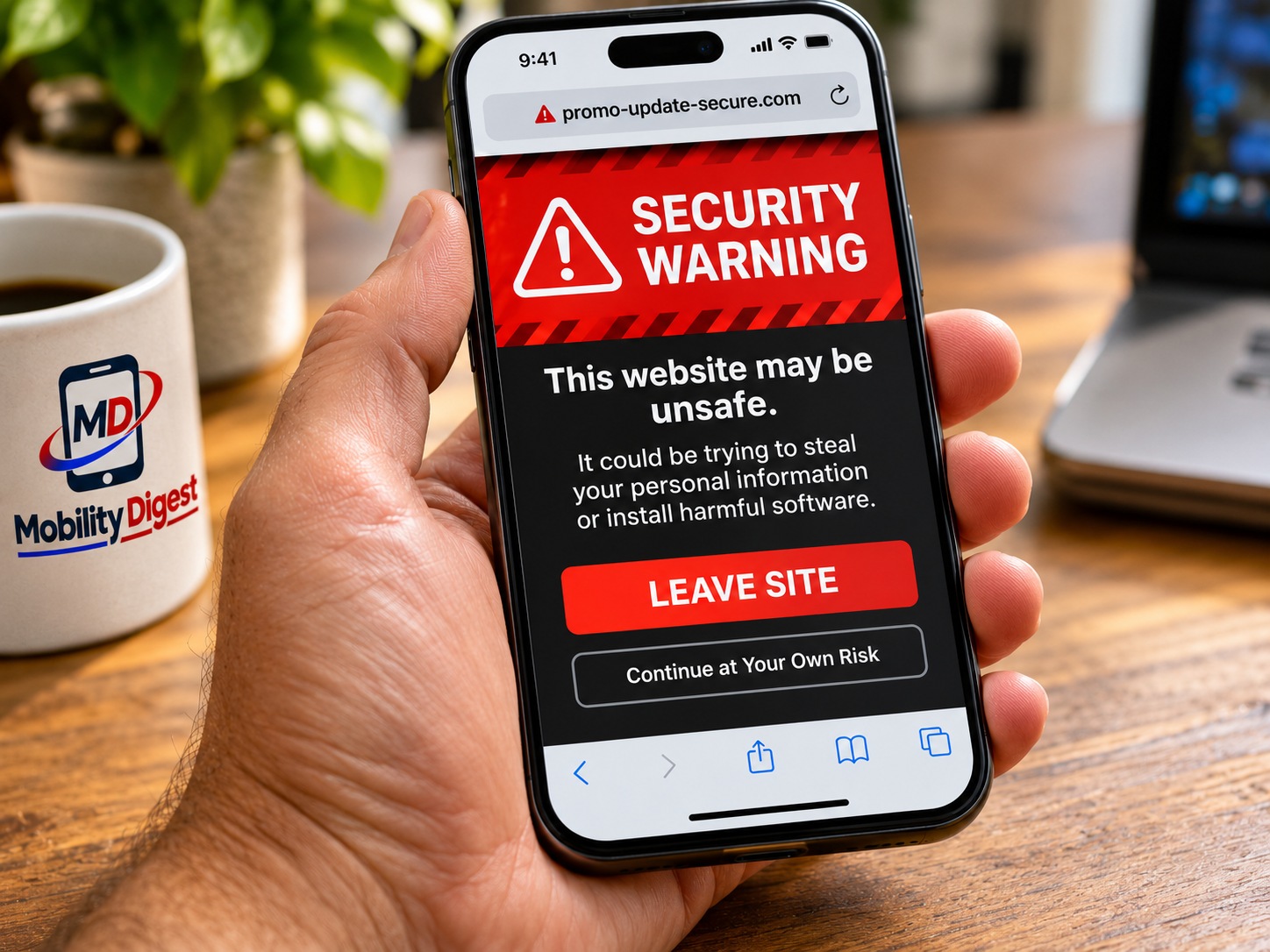
There are few things more annoying than an iPhone asking me to install an update when I have something else to do. But this is one of those times when putting it off is a lousy idea. Telegram founder Pavel Durov warned on November 27 that simply opening a malicious website could compromise an iPhone running vulnerable software. He did not identify the exploit or provide an independently verified victim count, so I would not interpret his warning as proof that every slightly outdated iPhone is being attacked. The underlying risk, however, is very real.
Apple has documented security problems involving malicious web content in the past. A browser is doing a tremendous amount of work behind that pretty little screen, and a vulnerability in that machinery can sometimes be exploited without the usual trick of persuading you to install something. That is different from a phishing page asking for your Apple Account password, although both are reasons to be careful about what you open.
The good news is that protecting yourself starts with something you already have. Open Settings, tap General, then Software Update. Install the newest security update offered for your particular iPhone. Back up first, connect to Wi-Fi and power, and give the phone time to finish. The illustration below shows the navigation using an older iOS release; it is not a recommendation to install that specific version.
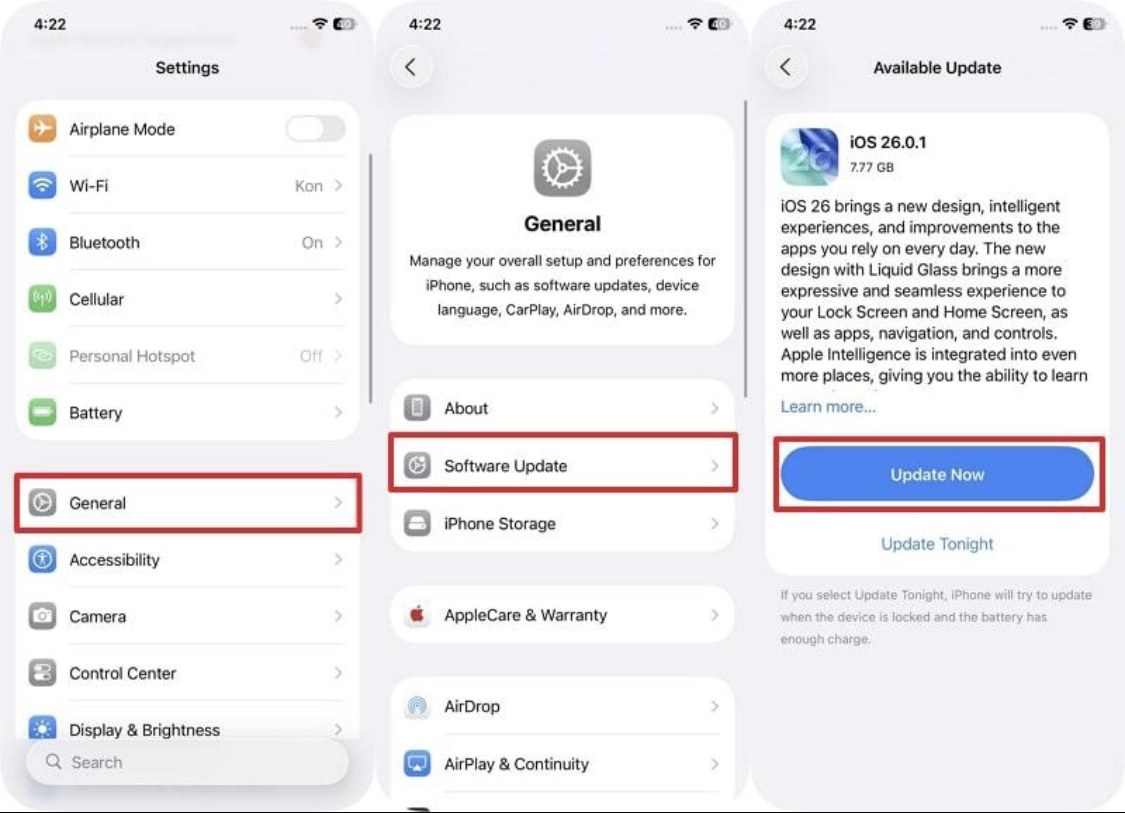
While you are in Software Update, check Automatic Updates and enable automatic installation where available. Do not assume that a setting you enabled years ago means every update has already been installed. Check the actual screen. And please do not install an update by clicking a big red button on a random website. Apple provides updates through the phone itself.
For people facing unusually sophisticated targeted attacks, Apple also offers Lockdown Mode under Privacy & Security. It restricts some functionality to reduce exposure and is not something most people need to turn on casually. If you receive a genuine Apple threat notification, seek qualified security assistance rather than trusting a pop-up that offers to clean your phone for a fee.
I love my iPhone, but I am not going to pretend that the Apple logo is a magical force field. A few minutes spent updating it is a much better investment than an afternoon trying to recover an account. Give this article a like if it reminded you to check your software, and tell us in the comments: do you install updates immediately, or do you make that poor Settings icon beg for a week?