




Imagine buying an iPad Pro, snapping it onto its Magic Keyboard, and opening the same applications you run on your Mac. Not a watered-down tablet edition, not a remote connection to a computer sitting somewhere else, and not a web app pretending to be desktop software. I mean the real thing. Full Photoshop, Bambu Studio, desktop Excel and all those wonderfully obscure utilities that make a computer useful for something other than watching Netflix. Then imagine pulling the iPad off its keyboard and going right back to the touch-friendly tablet experience we already enjoy. That is the Apple product I want, and the particularly frustrating part is that Apple reportedly already has iPads running macOS behind closed doors. Bloomberg’s Mark Gurman discussed the internal testing on his Power On podcast, as reported by MacRumors and 9to5Mac on November 25. The catch? Gurman says there is no active effort to make macOS available to iPad customers. So before anybody starts refreshing Software Update, this is not an announcement. It is an opportunity, and a pretty spectacular one at that.
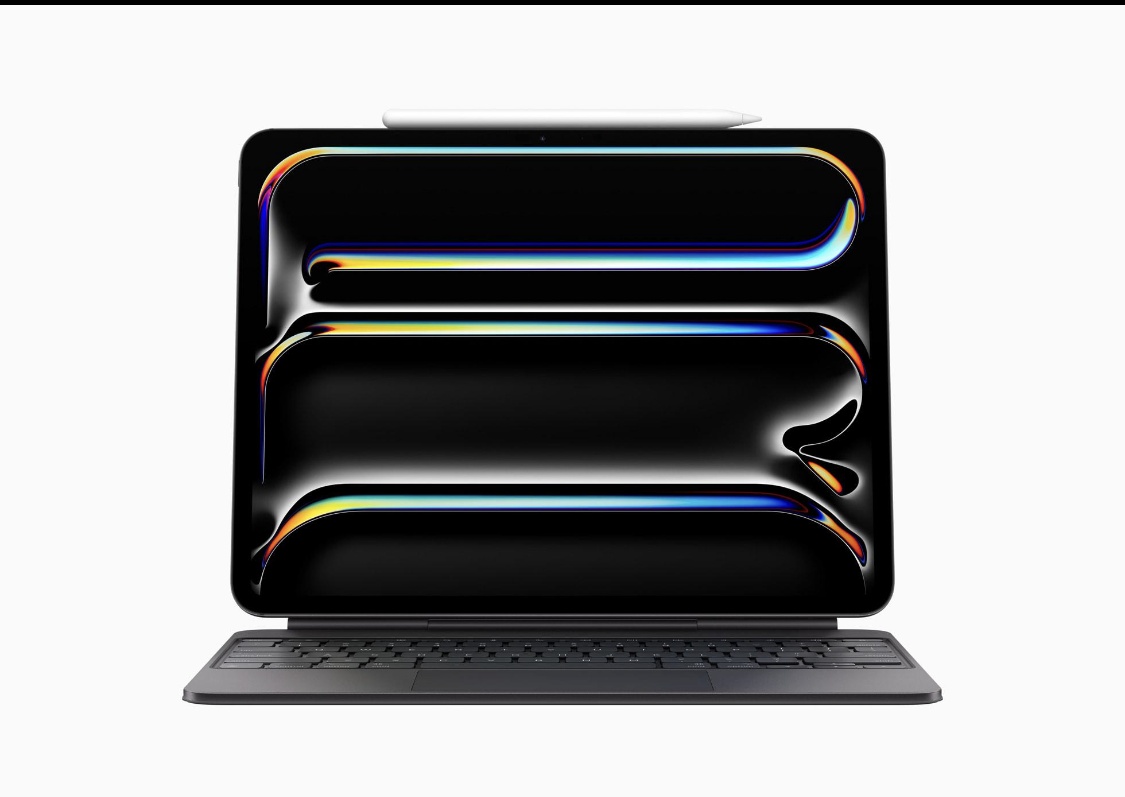
The hardware is what makes this conversation so interesting. Apple’s M-series iPads share the same underlying processor architecture as modern Apple Silicon Macs. Consider the M5 iPad Pro, a remarkably thin computer with an OLED display, excellent performance and enough processing power to make plenty of older laptops look downright elderly. And here is where it gets downright ridiculous. Compare Apple’s own specifications for the M5 iPad Pro and the 2026 M5 MacBook Air. Choose an iPad Pro with 1TB or 2TB of storage and you get ten CPU cores, ten graphics cores and 16GB of unified memory. That matches the core counts of the upgraded M5 MacBook Air chip and the laptop’s standard memory capacity. Both have 153GB/s of memory bandwidth. Even the less expensive iPad Pro configurations come with 12GB of memory and ten graphics cores. The MacBook Air does have advantages, including memory options up to 32GB, more ports and a larger battery, but the iPad Pro counters with a gorgeous 120Hz OLED touchscreen and Apple Pencil support. These are not identical computers, and matching specifications do not guarantee identical sustained performance, but good grief, look at how close they already are! One runs full desktop applications while the other leaves us hoping for tablet versions. Imagine what we could do if Apple finally opened that door. Add the Magic Keyboard, Apple Pencil and an external monitor and you have much of the physical equipment needed for a legitimate workstation. Yet the applications you can run are still determined by the operating system Apple puts on it. I understand that sharing processor architecture does not magically solve device drivers, thermal limits, battery management or touch input. A tablet is not simply a MacBook with its keyboard surgically removed. But the fact that Apple can reportedly get its desktop operating system running on the hardware makes the possibilities considerably more interesting than some fantasy about a gadget that would require entirely new technology. The foundation is already there. The question is whether Apple wants to let us build anything on it.
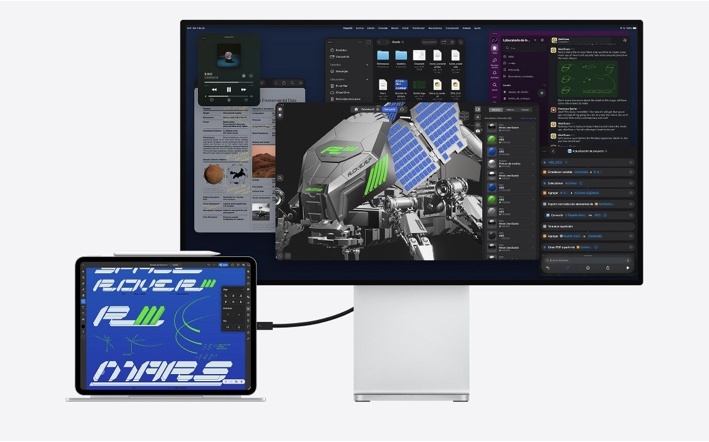
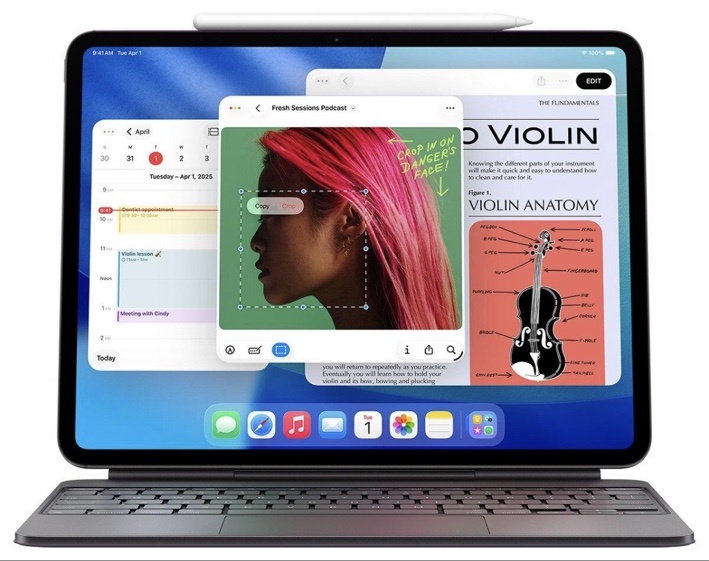
What I would love to see is a choice rather than a replacement. Keep iPadOS exactly where it excels: reading, handwriting, drawing, browsing, watching video and interacting directly with applications using your fingers. Give me an optional desktop environment when I attach a keyboard or connect a monitor. Whether Apple implements that through a separate boot mode, virtualization or some other clever engineering is less important to me than the result. Imagine sitting at your desk with an iPad connected to a large display, arranging several applications across a proper desktop, moving files between projects and working with external storage without constantly wondering whether an application supports what you’re trying to do. Unplug the monitor and take the same device to the couch. Better yet, take it on a business trip without packing a second computer just in case somebody sends you a spreadsheet that requires the desktop version of Excel. Apple has already improved iPad window management and external display support, and those improvements are welcome. But windows alone do not turn tablet applications into desktop applications. I want the software that goes inside those windows, too.
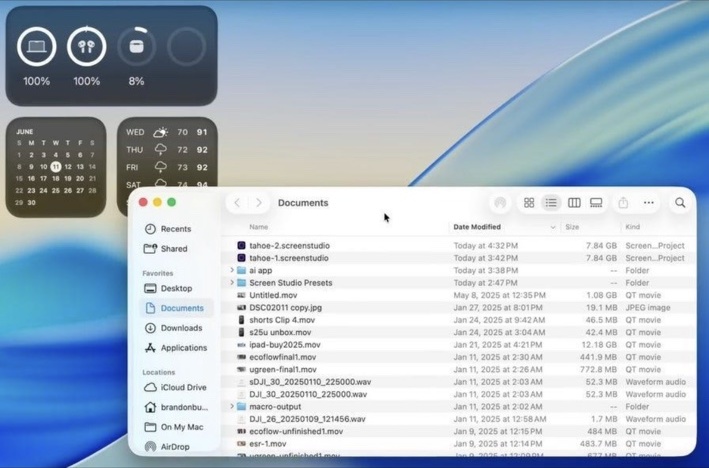
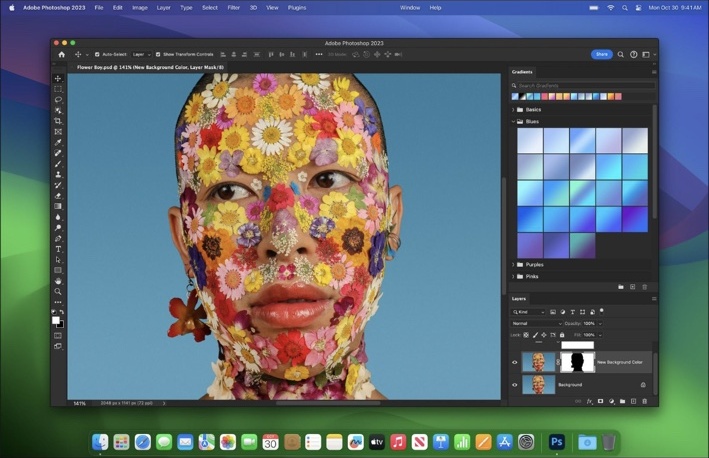
The software possibilities are where this gets really exciting. Take Photoshop. Adobe has produced a genuinely useful iPad version, especially for people who like working directly on images with a Pencil. But a photographer who relies on desktop plug-ins, complicated actions, specialized workflows or particular file-management tools may still need the Mac or Windows edition. Imagine being able to move from drawing and retouching on the tablet to using the full desktop application at your desk without changing devices. The same argument applies to Lightroom Classic, desktop publishing tools, development environments such as Xcode, and professional audio applications. Even Microsoft Excel becomes a different proposition when your work depends on advanced desktop functionality instead of ordinary spreadsheets. Not everything available on a Windows PC exists on a Mac, of course, and Apple would still need to ensure software compatibility on the iPad. But opening the door to existing Mac applications would give customers a far larger collection of tools without requiring every developer to reinvent an application specifically for a tablet. That is a huge benefit for consumers and potentially for the developers who cannot justify maintaining another version of their software.
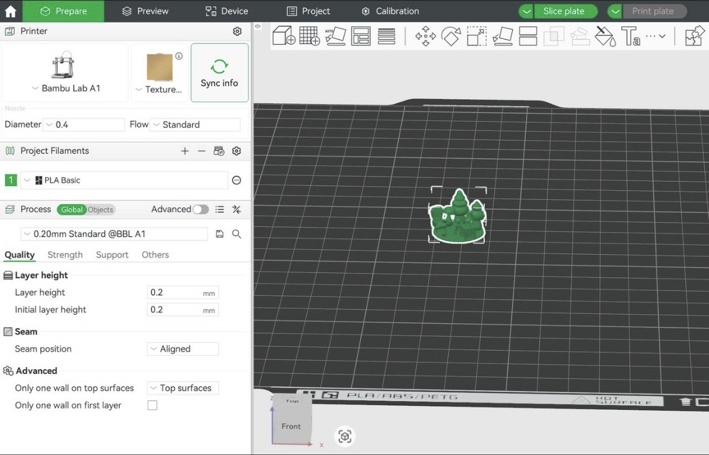
And then there is 3D printing, which is an excellent example of where a tablet can get frustrating in a hurry. Bambu Handy is great for monitoring a printer and starting supported prints, but it is not a substitute for the full Bambu Studio slicer. When you’re designing something, adjusting supports, tweaking individual print settings, painting a multicolor model or troubleshooting slicing behavior, desktop software becomes important. I would absolutely love to carry an iPad into the workshop, make changes to a model, slice it and send it to the printer using the same device. No remote desktop connection, no walking back to the computer and no transferring files between machines just to make one adjustment. Extend that idea to CAD applications, electronics design, coding and other maker tools and suddenly the iPad becomes a considerably more interesting purchase. The ability to run these programs would not guarantee that their interfaces are pleasant to use with a finger, but that is precisely why we have keyboards, mice and trackpads. Nobody said the entire desktop computing experience had to be operated by poking the screen.
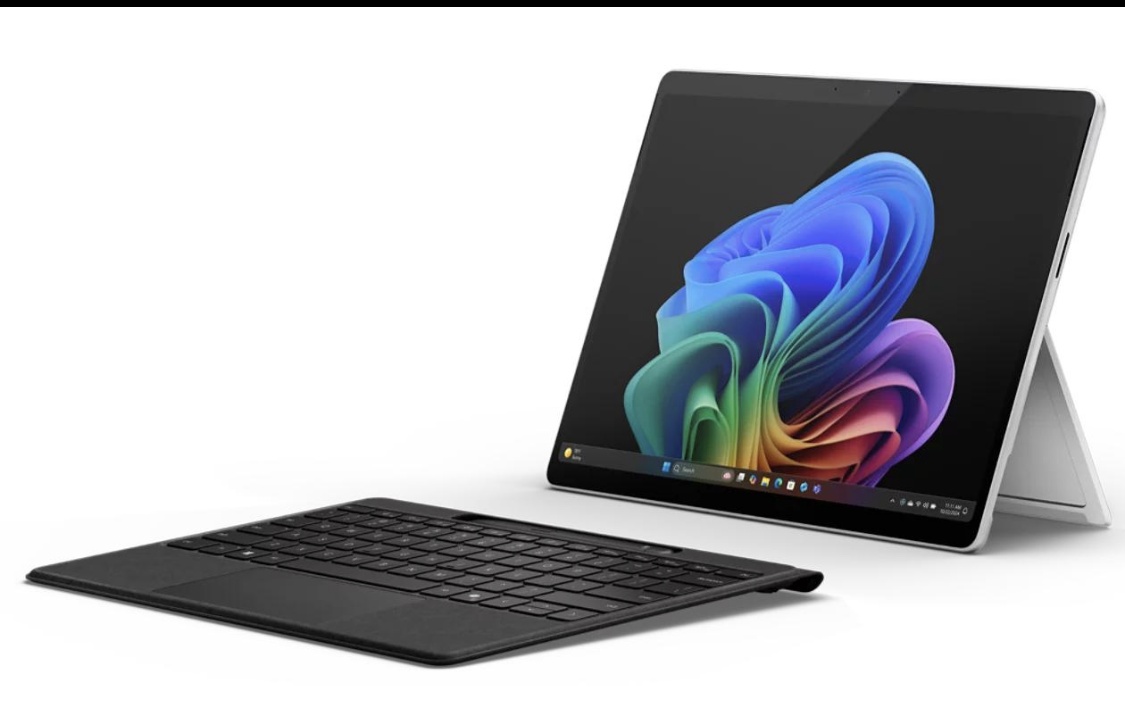
Meanwhile, Microsoft has been selling the basic idea for years. The Surface Pro is a tablet with a kickstand and detachable keyboard that runs full Windows. It can install ordinary desktop applications rather than relying exclusively on software designed for a tablet interface. Modern Arm-based Surface models can run native Arm applications and emulate many traditional x86 and x64 applications, although some drivers, specialized software and games remain compatibility concerns. Windows also has advantages for businesses that depend on Windows-only applications, established corporate management tools or particular accessories. On the flip side, Windows can still feel like a desktop operating system being persuaded to behave on a touchscreen, and the Surface’s kickstand arrangement is not everybody’s favorite way to work on a lap. The iPad brings a mature touch-first software ecosystem, excellent Pencil-oriented applications and tight integration with other Apple devices. A Mac-capable iPad could potentially combine those strengths with desktop software in a way that would make the Surface comparison much more competitive. Microsoft wins the flexibility argument today because it actually sells that flexibility. Apple would have to deliver reliable application support, sensible peripheral compatibility and competitive battery life before I would declare a winner. And if your business needs Microsoft Access, for example, macOS itself does not provide a native desktop version. Even my imaginary perfect iPad would not fix that.
Of course, Apple has a business decision to make here. How many people would buy both an iPad Pro and a MacBook if one device could comfortably handle their needs? On the other hand, how many people currently considering a Surface or another Windows convertible would happily spend their money on an Apple tablet if it could run the software they need? Gurman also points to regulatory incentives for maintaining separate operating systems, so there may be more to the decision than protecting MacBook sales. I would not pretend to know the exact calculation being made inside Cupertino, but I do think Apple is leaving an interesting opportunity on the table. The company has spent years demonstrating how powerful its tablet hardware is, and I would like to see customers given more freedom to decide what to do with that power. Keep the ordinary iPad experience for everyone who loves it. Offer a desktop option for those who need it. Nobody has to take away your favorite tablet just to give somebody else a better computer. Until Apple actually announces something, though, don’t buy an iPad expecting macOS to show up in a future update. In the meantime, give this article a like if the idea appeals to you, and tell me in the comments which desktop application would finally convince you to leave your laptop at home. Or would you still buy the Surface and enjoy the privilege of not having to wait for Apple to give you permission?