






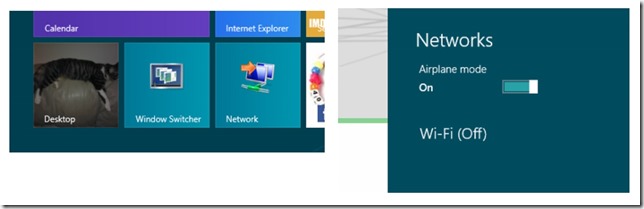
With the release of Windows 8/RT, low-energy processor devices got a new feature, Connected Standby (or AOAC–Always On/Always Connected). Basically this feature allows your device to be connected via WiFi, just like your Smartphone, whether your device screen is on or its sleeping. That’s how the Surface RT and a variety of other tablets/convertibles work today.
Connected Standby is a nice idea, assuming you use your new tablet the same way you use your phone, meaning everyday, all the time. But if you’re a casual tablet user like me, be prepared for picking up a dead device fairly often, unless you are willing to bypass another “smartphone like” feature, Instant on, and power your device off after each use.
I have been stuck in a vicious cycle the past couple weeks. I fully charge my Surface RT, put it back in my bag when I leave for work in the morning. And then two or three days later I pull it out of my bag to play a bit, only to find the battery is near or fully expired. As I refuse to be dongled to a power source, using a device that claims a 10 hour battery life, I instead put it back on the charger overnight and it goes back in the bag the next morning. So, unless I can plan 8 hours in advance to play with my Surface, I don’t get an opportunity to use it.