






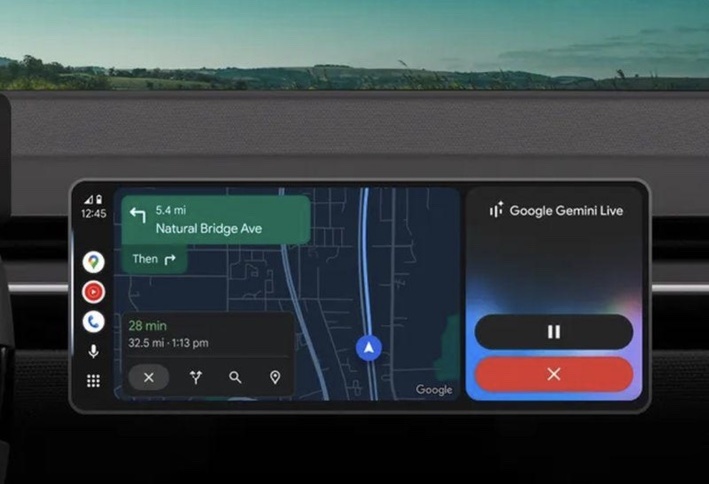
Voice assistants make considerably more sense when you are driving than when you are sitting next to a perfectly good keyboard. Google has announced expanded Gemini assistance for cars, including Android Auto, with personalized features where supported. The trick is knowing what you can actually ask it to do without turning your drive into an argument with a computer.
Before leaving home, update Android Auto and the relevant Google apps on your compatible phone. Connect the phone to your vehicle, complete any setup prompts while parked and check whether Gemini is available with your account. Availability can vary by device, region and rollout, so an announcement does not necessarily mean the feature has reached your particular car.
When Gemini is available, use the steering wheel voice button or supported voice activation and speak naturally. Try asking for a nearby coffee stop along your route, or ask it to help compose a message. Review important message content and destinations before confirming, especially if the request involves similar sounding names or locations.
Google also describes personalized assistance using connected information where available. Review the relevant permissions on your phone before enabling that functionality. There is no need to grant access to personal information merely to try ordinary navigation or voice assistance. Remember that generated answers can be incorrect, and postpone complicated interactions until you are parked.
The real test is whether this saves you from touching the screen and keeps your attention on the road. If it makes a simple request into a lengthy discussion, I would rather use traditional voice commands. Give this a like if you want smarter hands-free technology, and tell me what task you would actually trust Gemini to handle on your next road trip.