







Many of you have realized that when connecting your phone over ActiveSync the Windows directory cannot be seen and there are other files that are hidden. Because of this, we’re often forced to do a lot of the changes on our phone using File Explorer or using apps like TotalCommander. There have been plenty of times where going to the Windows directory is needed (like changing the programs located in the Programs directory). Well Rainfreak of PPCGeeks was kind enough to give a set of step by step instructions on how to change this on our PC so we can see all files and the Windows directory and it’s actually embarrassingly easy.
Send Text Messages Through Email

Here’s another little known fact (unless you’ve been around long enough to know it:)) which I saw was dug up the other day. If you don’t have an unlimited text messaging plan but you want to Send text message Online you can do it for free – by sending an email. All you do is send … Read more


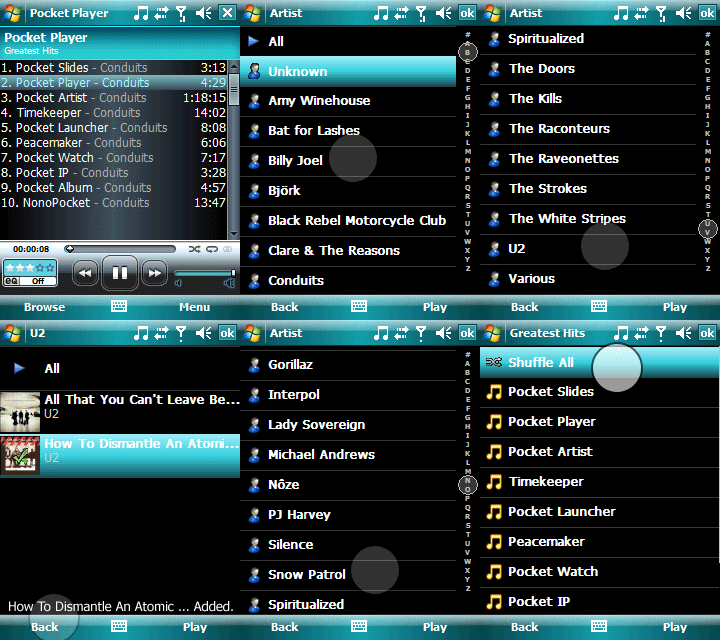 One of the most popular third party media players, Conduits Pocket Player just released a new version Pocket Player 4.0. The Award Winning Pocket Player, which won the “Best Audio at the 2008 Smartphone and Pocket PC Magazine Best Software Awards for its Pocket PC and Smartphone editions” really made some significant improvements. Here area few:


