







 I presume most of you have heard about Vlingo by now (if not from an angry WM user who feels slighted or by an iPhone user or BB users bragging). If not:
Vlingo lets you control your mobile phone with the power of voice. With Vlingo, you can simply speak to your phone to send a text or email message, call a friend, search the mobile web, update your social status, and more. As the inventor of the mobile phone voice user interface, Vlingo is the only technology that allows you to open and use virtually any application on the phone simply by pressing a button and speaking to the phone.
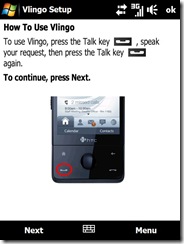
Recently a beta was released for WM but it was for a handful of phones and the Fuze/Touch Pro was not included on the list. That won’t stop us from testing it though:) Rdavidsmith from PPCGeeks has provided a ‘fixed’ cab that works on the Fuze (which I also uploaded here to our forums for conveniences). So let’s go through a few setup shots followed by my initial findings:


